
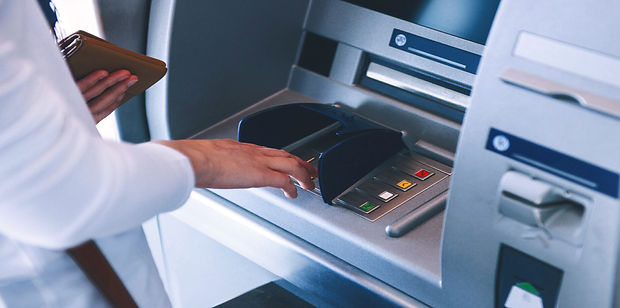
ATMs
With FINBOX ATM you can:
Activate the card
To activate the card through the ATM, you need to enter the card at the ATM, press the "Card Activation" button, after which you will receive a code to your phone number registered at the Bank. You need to enter it on ATM screen, after which the card will be activated and the ATM will offer to set a convenient PIN code.
Change the PIN code
If you difficulty remember the card PIN code when making transactions, you can change the PIN with FINBOX ATMs. To change the PIN code, you need to enter the card at the ATM, select "Additional Services" from the offered buttons, and then from the opened page "Change PIN". The ATM will offer you to enter your current PIN code, then set a new one.
Receive cash and check the balance of the card
You can check the balance on your card with the ATM and withdraw cash. To make cash withdrawal, you need to enter the expected amount manually or select it from the options offered by the ATM.
Transfer money from card to card
With FINBOX ATM you can make card-to-card transfers to Armenian banks. To make a transfer, you need to enter the card at the ATM, select "Card-to-card transfer" from the offered buttons, then in the opened page enter the recipient's card numbers and the amount to be transferred. The transfer will be done in a moment.
Receive the statement on the last 7 deposits to the pension account
You can get a statement of the last 7 entries of your pension fund through FINBOX ATMs. To receive the pension account statement, you need to enter the card at the ATM, select "Additional Services" from the offered buttons, and then from the opened page "Pension statement". The ATM will provide you the statement in the form of a receipt.
Receive the statement on the last 12 not processes transactions
Through FINBOX ATMs, you can get the last 12 transactions made with your card, the amounts of which have been frozen, but have not been charged from the card yet. To receive the statement, you need to enter the card at the ATM, select "Additional Services" from the offered